Slow It Down
Learn every movement at your own pace.
Play any video from 0.25× to 2× while the music keeps its natural pitch. Nail the hard eight-count at quarter speed, then work your way back up to full tempo.
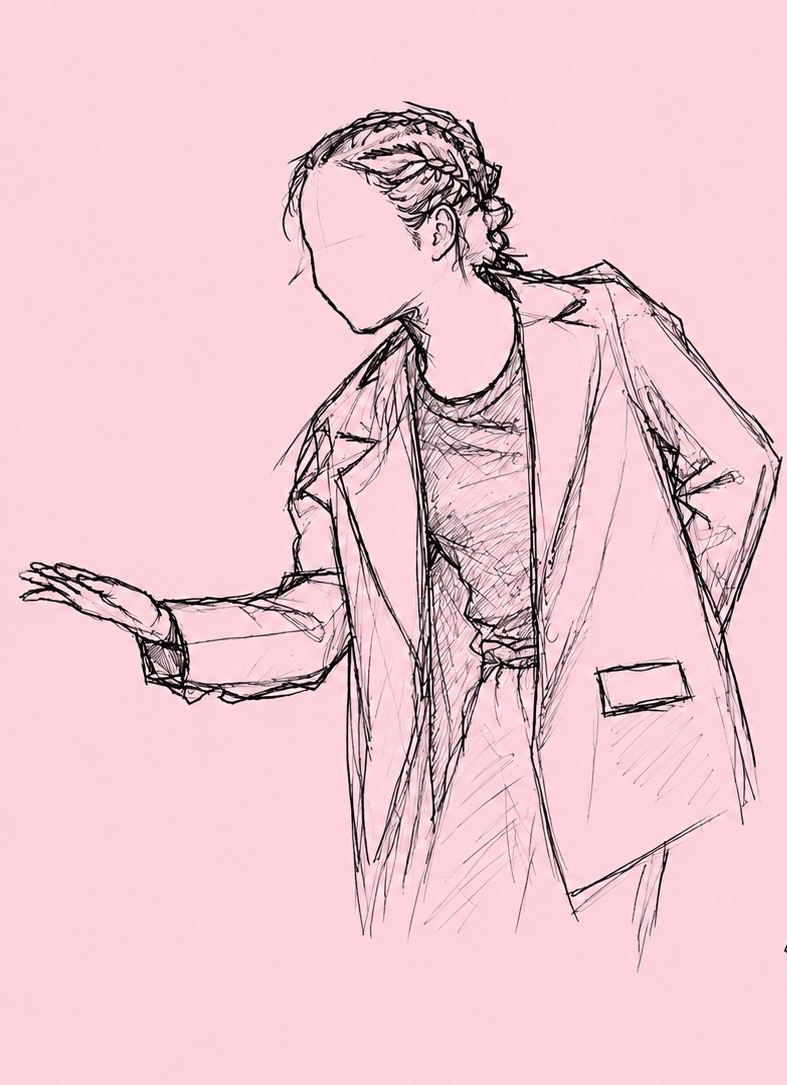 0.5×
0.5×
Everything you need to learn choreography, all in one place. Slow it down, mirror it, isolate the movement, record yourself, and compare — without ever leaving the app.
Free · Requires iOS 17 or later
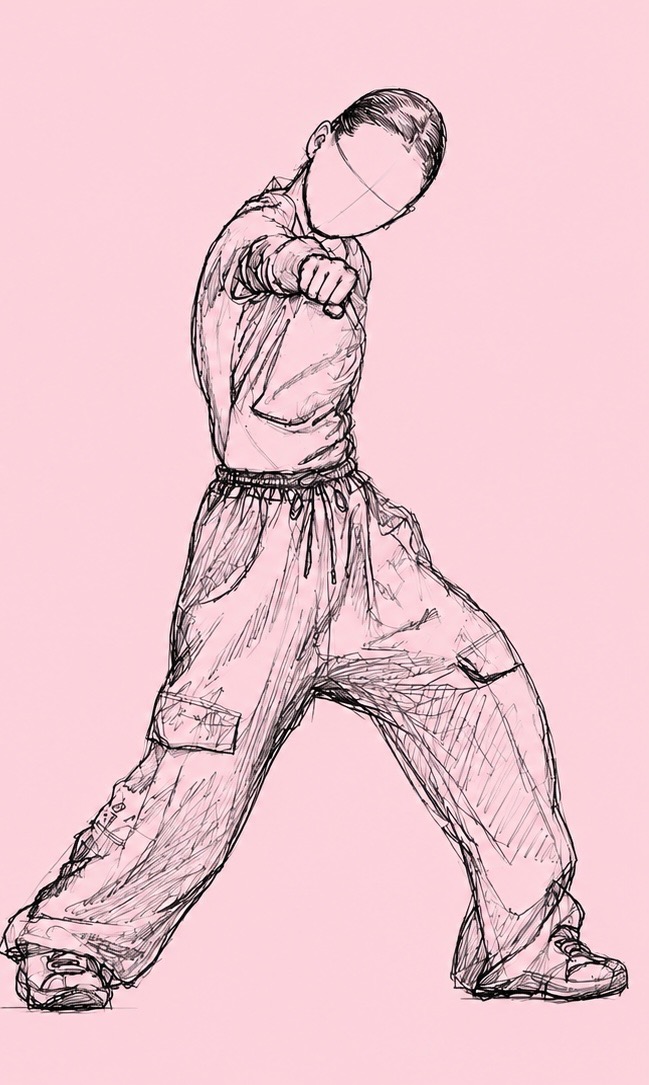
Learning one choreography shouldn't take five tools. A player to slow the video down. Another to mirror it. Your camera to film yourself. An editor to put the takes side by side. And a notes app for the counts you keep forgetting.
 CHOREOLAB
One app. Everything you need to learn the movement.
Every control was built for how dancers actually learn — and you can try most of them right here.
Learn every movement at your own pace.
Play any video from 0.25× to 2× while the music keeps its natural pitch. Nail the hard eight-count at quarter speed, then work your way back up to full tempo.
0.5×
Follow the choreography naturally.
Dance videos face you, but you don't dance backwards. One tap flips the video so their left is your left — like learning from the mirror at the studio.
L
R
Focus on what matters.
Cover the upper body and let the feet tell the story. Drag the handle to set exactly how much of the frame stays visible — the overlay follows in real time.
Break down every detail.
Flip the focus: hide the lower body and study the arms, hands, and lines. The same draggable handle sets the edge wherever you need it.
See yourself dance.
Set your phone down, pick a 3- or 5-second countdown, and get in position. Front-camera takes are saved the way you saw them — mirrored, like the studio wall.
REC
Watch. Compare. Improve.
Your take plays next to the original, perfectly in sync, with only the original's music. Drag the divider to study either side — go ahead, try it.
See exactly where you match.
Your recording floats over the original as a translucent layer. Where the silhouettes align, you've got it; where they split, you know what to drill next.
Save the moments you need to work on.
Bookmark the counts that keep tripping you up, name them, and leave yourself a note. Add, rename, edit, and delete them as the routine comes together — every mark jumps you straight back to that moment.
Record a take, compare it to the original, and go again — without backing out of a single screen. The loop is unlimited; each new take replaces the last, so all that's left is the version you're proud of.
Every video lives in a folder you control. Make one per style, per team, per season — create, rename, and delete folders freely, and move routines between them as your repertoire grows.
Bring in any dance video from Photos or Files.
Trim and crop the video before you start learning.
Slow it down, mirror it, isolate movements, and repeat difficult sections.
Record yourself and compare your performance to the original.